

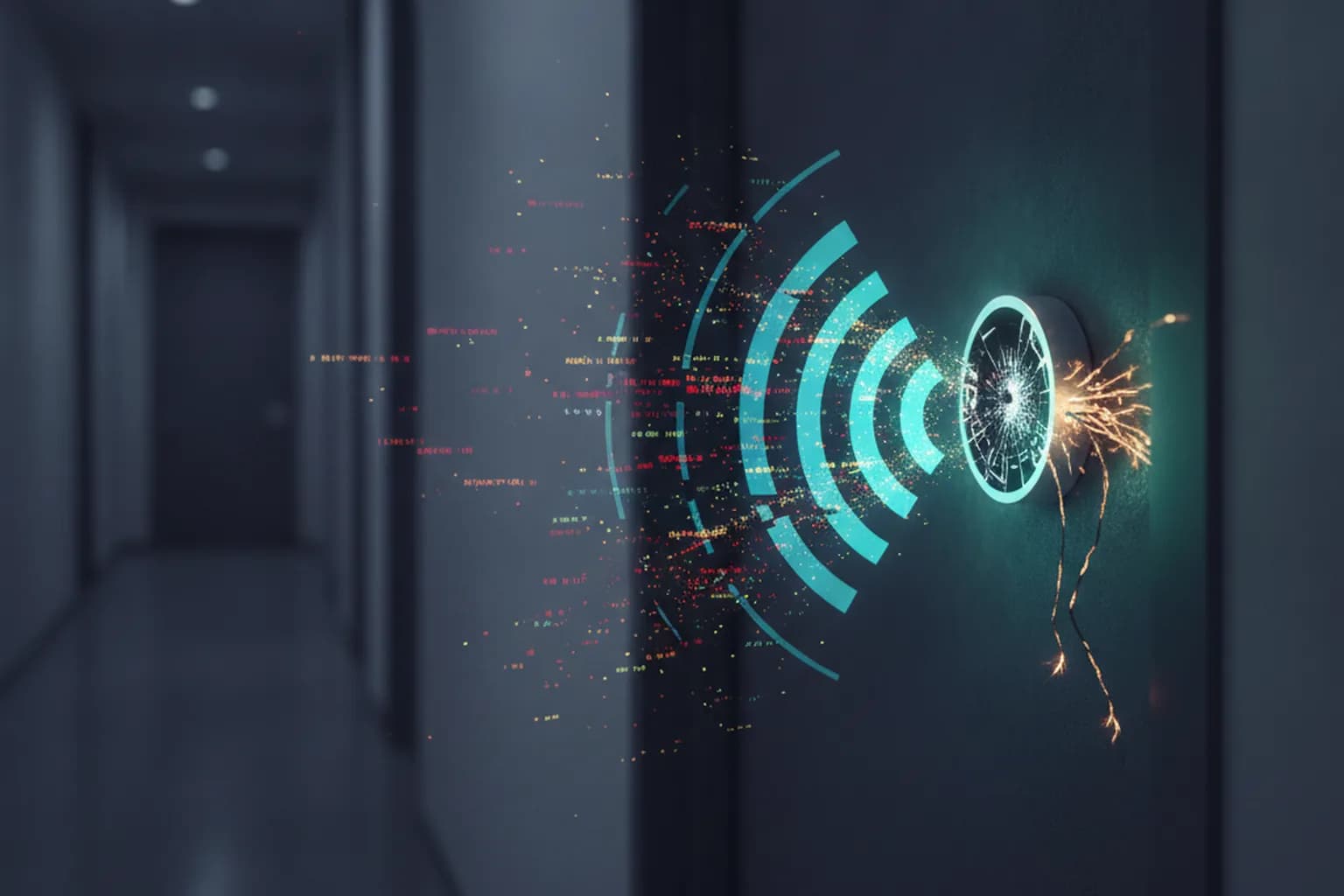
In short: In July 2026, Microsoft detailed CaptiveCrunch — a widespread campaign by Midnight Blizzard (APT29) targeting hotel and conference-venue Wi-Fi networks worldwide. Attackers compromise captive-portal equipment to intercept traffic and serve fake browser-update prompts. If travelers click "Install," they receive CornFlake or ChocoShell — malware that steals Microsoft 365 tokens, saved passwords and turns on the camera and microphone. The cardinal rule: captive portals never ask you to download files. Any prompt that does is an attack.
What is the CaptiveCrunch campaign?
Since early May 2026, Microsoft Threat Intelligence has tracked a series of targeted attacks named CaptiveCrunch. The campaign is attributed to Storm-2945, an operational sub-cluster of Midnight Blizzard — the threat actor the US and UK governments officially link to Russia's Foreign Intelligence Service (SVR), also known as APT29 and Cozy Bear. The group's primary focus is espionage in support of Russian foreign-policy goals, typically targeting governments, diplomatic entities, NGOs and IT service providers.
What sets CaptiveCrunch apart is the attack surface: rather than a phishing email, the compromise happens at the network layer the moment you join hotel or conference-venue Wi-Fi. Attackers gain access to the captive-portal equipment — the sign-in gateway guests must pass through — before any traveler arrives.
How the attack works
When a phone or laptop connects to a new Wi-Fi network, it automatically sends a connectivity probe. Attackers intercept DNS and HTTP traffic at this stage and redirect the device through their own infrastructure. To the user, the captive-portal sign-in page looks completely normal — but every byte is now flowing through attacker-controlled servers.
The next step is a ClickFix social-engineering prompt: a pop-up claims the browser is out of date or a system update is required and offers a download. If the traveler clicks through, they receive one of two malware families:
- CornFlake — a Go-based Windows remote access trojan (RAT). It logs keystrokes, captures screenshots, activates the webcam and microphone, steals browser credentials and session tokens, and establishes persistence via Windows services and scheduled tasks.
- ChocoShell — a PowerShell infostealer that runs entirely in memory (no file written to disk). It extracts cookies, saved passwords, Microsoft 365 SSO tokens, Azure Active Directory tokens and stored Wi-Fi credentials. Built-in UAC bypass methods allow it to disable Windows Defender signatures post-execution.
Microsoft identified "widespread compromise of Wi-Fi networks at hospitality-related organizations" across multiple countries. Specific locations were not disclosed.
What data is at risk?
The primary targets are corporate travelers who access work systems over guest Wi-Fi. The malware hunts for Microsoft 365 and Azure AD tokens above all else: possessing them lets an attacker enter corporate email, documents and CRM without ever knowing the password — even when multi-factor authentication is enabled, because the token is already authenticated.
ChocoShell also harvests stored Wi-Fi passwords, mapping the networks the victim regularly uses. CornFlake captures screenshots and audio in real time, so everything a user does while the trojan is active reaches the attackers' servers. We covered the damage a stolen session token can cause in our breakdown of the Windows NTLM session-leak vulnerability.
The threat is not limited to corporate data: a business traveler's smartphone typically carries personal email and banking apps alongside work accounts.
What does this mean for everyday users?
CaptiveCrunch formally targets corporate staff, but anyone connecting to Wi-Fi at a hotel, airport or conference center is in scope. One key detail: to be compromised, a user must click "Install" on the fake update. This is not a zero-click attack where infection happens without any user action. Understanding the mechanism is the first and most important defense.
We examined similar threats on public Wi-Fi in our guide to privacy on the go. The infrastructure changes; the underlying principle does not: an unverified network is an unverified intermediary for everything you transmit.
How to protect yourself
Never install software prompted by a captive portal page. No browser and no operating system updates through a hotel Wi-Fi sign-in page. Any such prompt is a sign of an attack — close the page and disconnect from the network.
Connect your VPN immediately after signing in. The LiMP VPN app creates an encrypted tunnel between your device and our server. Once connected, your traffic cannot be intercepted and rerouted to fake servers. Connect the VPN right after passing the captive portal — before you open email or any accounts. That brief window between portal sign-in and VPN connection is when traffic is most exposed. More on how a VPN protects on public networks is on our features page.
Switch to FIDO2 security keys or passkeys. Standard TOTP codes and push notifications do not help if a session token is already stolen. Hardware keys are domain-bound and cannot be replayed from an attacker's server.
Keep devices updated. CornFlake relies on UAC-bypass techniques several of which are patched in recent Windows updates. Automatic updates are a hygiene baseline, not optional. More threat breakdowns are in our blog.