

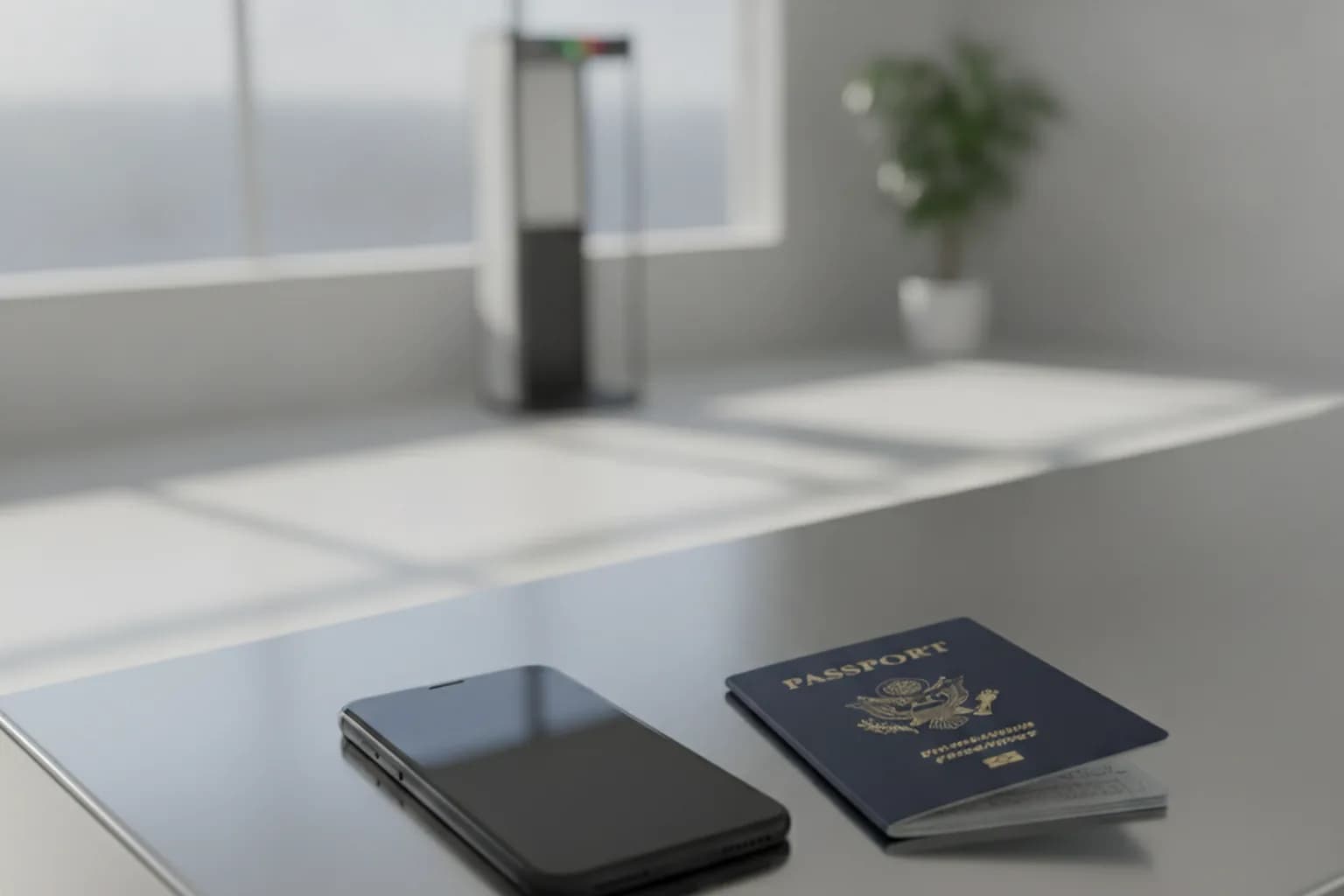
In short: Border agents in many countries — including the US, UK, Canada, and Australia — can legally search your phone, laptop, or smartwatch without a warrant and without explaining why. In fiscal year 2025, US Customs and Border Protection (CBP) conducted 55,318 device searches — a record high, up 17.6% from the year before. A VPN won't prevent a physical inspection or hide apps and files on your device. What it does do is protect your traffic on airport and hotel Wi-Fi, foreign mobile networks, and when accessing your accounts after clearing the border. The real defenses are minimizing what's on your device before you travel and powering it off before inspection.
What Border Agents Can Legally Search in 2026
In the United States, border searches of electronic devices are authorized under the "border search exception" — a longstanding legal doctrine holding that Fourth Amendment protections operate differently at the border. US Customs and Border Protection (CBP) officers can initiate a device search without a warrant and without any suspicion of wrongdoing. The same broad authority exists in the UK, Canada, Australia, and in certain circumstances at EU entry points.
There are two distinct types of searches. A basic search is a manual browse of your screen — scrolling through photos, reading messages, checking apps. No special authorization is required. In FY2025, 50,922 devices received basic searches. An advanced search involves connecting your device to forensic equipment, extracting data, and potentially recovering deleted files. It requires reasonable suspicion and supervisory approval. In FY2025, 4,396 devices received advanced searches.
The scale is growing: in fiscal year 2025, CBP searched 55,318 devices — a record high. For context: FY2024 was 47,047; FY2023 was 41,767. Of the 2025 total, 41,728 were non-US citizens and 13,590 were US citizens. Notably, smartwatches and other wearables appeared in CBP's statistics for the first time in 2025. The Electronic Frontier Foundation (EFF) is actively challenging the warrantless search policy in court, but it remains current law.
Non-citizens and foreign nationals face greater practical risk: if you refuse to unlock your device, CBP officers can deny entry or detain you for further inspection. US citizens have stronger legal footing to refuse, but may still face device confiscation and significant delays.
Comparable authority exists elsewhere. In the UK, Schedule 7 of the Terrorism Act 2000 permits officers to detain travelers for up to 6 hours to examine devices — with no suspicion required — and refusing to provide a password is itself a criminal offense. Canada's CBSA (Canada Border Services Agency) can search devices without a warrant at the border. Australia's ABF (Australian Border Force) holds similar powers. Specific rules vary by country and change over time; check the current requirements for your destination before you travel.
VPN at the Border: What It Protects and What It Doesn't
Let's be direct. A VPN is a network traffic tool — it protects data moving over a network, not data sitting on a disk. If an officer has your device in hand, the VPN is irrelevant to that moment. It won't hide your photos, messages, or documents from a physical inspection. It doesn't create a secure mode that blocks a border search. Any claim that a VPN helps you "pass the border unnoticed" misunderstands what VPNs actually do.
That said, a VPN is genuinely valuable throughout the rest of your trip. Airport and hotel Wi-Fi networks are prime targets for traffic interception — a VPN encrypts everything between your device and the exit server, making eavesdropping pointless. On foreign mobile networks, it conceals your traffic from the local carrier. And once you've cleared the border, connecting to a LiMP VPN server in your home country gives you a secure, encrypted channel for accessing your accounts.
Here's a clear breakdown by scenario:
| Travel scenario | Does VPN protect you? | What actually protects you |
|---|---|---|
| Airport or hotel public Wi-Fi | Yes — encrypts all traffic | VPN + up-to-date device firmware |
| Foreign mobile network | Yes — hides traffic from carrier | VPN + caution with unknown SIMs |
| Physical device inspection at the border | No — officer has your device in hand | Local data minimization + powered-off device |
| Forensic copy during advanced search | No — disk contents are copied | Don't store sensitive data locally; full-disk encryption |
| Accessing your accounts after clearing the border | Yes — secure encrypted channel | VPN + two-factor authentication |
For broader guidance on using a VPN when traveling — server selection, staying connected across countries, and roaming — see our guide on VPN for travel. LiMP VPN uses the WireGuard protocol with ChaCha20-Poly1305 encryption, providing strong protection for your network traffic in transit — this encryption operates at the network layer, not on your device's storage.
What to Do With Your Phone Before You Travel
Data minimization before travel is the most effective defense at the border. The principle is straightforward: agents can't copy what isn't there. This isn't about hiding evidence — it's the same standard security practice used by corporate travelers, lawyers, and journalists who regularly carry sensitive information across borders.
- Move important documents to the cloud and sign out. Files in iCloud, Google Drive, or Dropbox are inaccessible to border agents when they're not stored locally. Upload what you need — then sign out of those apps before you travel. CBP has confirmed it does not remotely access cloud storage during basic searches.
- Delete or archive sensitive messages and clear your browsing history. Wipe your messaging apps (or remove them entirely), clear browser history, cache, and the trash. You can restore everything after clearing the border.
- Strip geotags from your photos. EXIF metadata embedded in photos can reveal precise GPS coordinates of places you've visited. Learn how to remove EXIF metadata from photos before you travel.
- Update your operating system. A current OS closes known vulnerabilities that forensic tools may exploit. Update iOS or Android before your trip.
- Enable airplane mode before inspection. A device in airplane mode won't sync new cloud data during an inspection, keeping the search limited to what's already on disk.
If your phone contains professional confidential data — client communications, legal documents, medical records — consider traveling with a dedicated travel device. Load it only with what's needed for the trip: no corporate system access, no archived messages, minimal apps. Factory-reset it on return. This is established corporate security practice for sensitive travel destinations. For guidance on properly wiping a device, see our article on how to wipe your phone.
Passcode vs. Biometrics: Which Is Safer at the Border
Most modern smartphones offer two unlock methods: a numeric or alphanumeric passcode, or biometric authentication (Face ID, Touch ID, fingerprint). At a border crossing, this distinction matters both legally and practically.
In several jurisdictions, including the US, law enforcement can compel you to provide biometric authentication — your face or fingerprint — more easily than a passcode. The Fifth Amendment protection against self-incrimination is generally argued to cover passcodes (you can't be forced to reveal what you know), but biometrics are your body, not testimony. Court rulings vary and the law is evolving, but as a practical measure before a border crossing, switching from Face ID or Touch ID to a strong alphanumeric passcode gives you more legal leverage.
More importantly: power your device off before you approach border control. A powered-off device is in Before First Unlock (BFU) state, where full-disk encryption is fully active and all file system keys are derived from your passcode. Even sophisticated forensic tools are substantially limited against a BFU device. A device that's powered on and unlocked (After First Unlock, AFU) has encryption keys cached in memory — far more accessible to forensic analysis. Hold the power button for a few seconds five minutes before you reach the checkpoint. Manage your passwords securely with a password manager.
At the Border and After: How to Handle It
If an officer requests access to your device, don't physically resist and don't lie. Providing false information to a border officer is a serious offense in most jurisdictions — regardless of what's on your phone. Your rights vary by country and immigration status, but cooperative, calm behavior is always appropriate.
Document what happens: note the officer's name or badge number, the time and location, and specifically what was requested or taken. If your device is confiscated, request a written receipt — CBP is required to provide a detention notice. This documentation is essential if you later have questions about the device's return or its contents.
After clearing the border, take these steps to restore your security baseline:
- Change passwords for key accounts — especially if your device was powered on during inspection or held by an officer for an extended period.
- Enable two-factor authentication on all important services if you haven't already.
- Turn on LiMP VPN for secure access to your accounts over the local network.
- Restore apps and data from your cloud backup if you removed them before the trip.
For a full guide on recovering account security after potential device compromise, see our article on how to protect your accounts from hacking.
Checklist: Protecting Your Data When Crossing a Border
- Update your operating system to the latest version before travel.
- Switch from biometric unlock to a strong alphanumeric passcode.
- Move sensitive documents to cloud storage and sign out of iCloud, Google Drive, and Dropbox.
- Delete or archive sensitive messages and clear your browser history and cache.
- Strip EXIF geotags from photos stored on your device.
- Power your device off 5–10 minutes before reaching the border checkpoint (BFU full-disk encryption state).
- Keep it powered off or in airplane mode during inspection.
- After clearing the border: change passwords for key accounts and enable LiMP VPN.
Frequently Asked Questions
Can border agents force you to unlock your phone?
US citizens can legally refuse, risking device confiscation and delays — but not criminal charges for the refusal itself. Non-citizens (visa holders, tourists) risk denial of entry: CBP can treat a refusal as grounds for turning you away. In the UK, refusing to provide a password under Schedule 7 is itself a criminal offense. The EFF is actively litigating to require warrants for device searches in the US.
Does a VPN help you pass the border inspection unnoticed?
No — and understanding why matters. A VPN encrypts network traffic. It doesn't hide apps, files, or messages stored on your device from a physical search. Using a VPN as a way around border inspection isn't just ineffective; it's based on a misunderstanding of the tool. VPNs protect your network traffic before and after inspection — not during it.
Can agents copy everything on your phone?
During a basic search, no — officers scroll through the screen manually. During an advanced search (which requires reasonable suspicion and supervisory approval), forensic equipment can create a full copy of the device's storage. In FY2025, advanced searches accounted for 4,396 of 55,318 total device inspections.
Can border agents see my iCloud or Google account?
Only what's stored locally on the device. If you've signed out of iCloud and Google Drive and enabled airplane mode, there's no access to cloud storage. CBP has confirmed it doesn't remotely access cloud accounts during basic searches — which is why signing out before the border is one of the most effective protective steps.
Do border agents search laptops and smartwatches too?
Yes. CBP authority extends to all electronic devices. In 2025, smartwatches and other wearables appeared in CBP's search statistics for the first time. Apple Watch, Garmin, or Fitbit devices storing health, location, or communication data can be searched on the same basis as a phone.
What should I do if my phone is confiscated?
Note the officer's name or badge number, the time, location, and stated reason. Request a written receipt — CBP is required to provide a detention notice. Don't physically resist. After your device is returned, change all passwords, revoke active sessions on important apps, and enable two-factor authentication everywhere you haven't already done so.
Is it safer to travel with a separate "travel phone"?
For anyone carrying sensitive professional data — journalists, lawyers, executives — yes, a dedicated travel device is the strongest option. Load it only with what's needed for the trip: no work contacts, no archived messages, no corporate system access. Factory-reset it on return. This is established corporate security practice for travel to high-risk jurisdictions.