

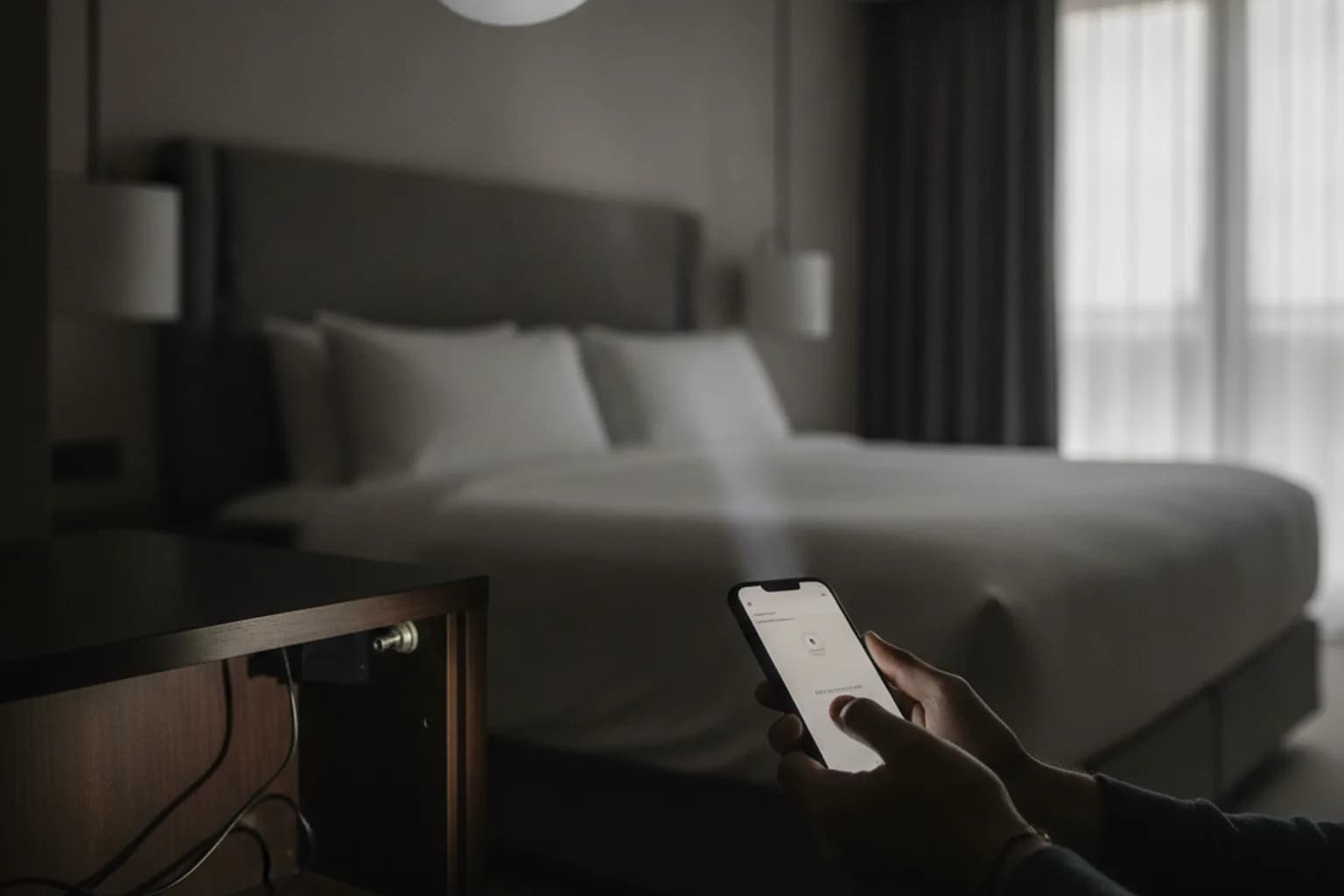
In short: To check a rental apartment, Airbnb, or hotel room in 10 minutes, start with a visual scan of spots with a direct line of sight to the bed and bathroom — smoke detectors, alarm clocks, USB chargers. Connect to Wi-Fi and run a network scanner app (Fing, WiFiman) — most modern spy cameras stream video over Wi-Fi and will show up in the device list. In a dark room, point your smartphone's front camera at suspicious items — night-vision IR illuminators appear as bright white-purple dots. Slowly sweep a flashlight across surfaces — a camera lens reflects a distinctive pinpoint glare. An offline camera that records to a memory card without connecting to the internet won't appear using any of these methods — only careful physical inspection will find it. Remember: the same unfamiliar Wi-Fi network you joined to scan for cameras is also open to traffic interception — enable LiMP VPN as soon as you connect to any unknown network.
Why You Should Check Short-Term Rentals and Hotel Rooms
Compact Wi-Fi cameras are inexpensive and widely available. They can fit inside ordinary household objects — alarm clocks, USB chargers, smoke detectors — and a host can install one without a guest's knowledge. In most jurisdictions, recording video inside a bedroom or bathroom without the occupant's consent is a criminal offence, regardless of the device's size or how it is concealed.
Airbnb explicitly prohibits hidden cameras and any undisclosed recording devices inside listings, including sleeping areas. But the platform cannot physically inspect every property — it relies on self-reporting. Hotels face similar limitations around staff conduct. A quick self-inspection at check-in is a reasonable precaution that takes under ten minutes with no special equipment.
Where Hidden Cameras Are Commonly Concealed
Camera placement follows a simple logic: the device needs to be inconspicuous while maintaining a clear line of sight to the target area — the bed, sofa, or bathroom. Understanding the most common hiding spots lets you focus your inspection efficiently.
Most frequently used locations:
- Smoke detectors — ceiling-mounted, wide field of view, rarely questioned by guests. Check: a legitimate smoke detector has no lens opening and does not blink continuously in blue or red outside a self-test cycle.
- Alarm clocks and desk clocks — positioned on the bedside table. A camera can be concealed behind the dial or inside a button or handle.
- USB chargers and power adapters — plugged into wall sockets, often aimed along the wall. Chargers with built-in cameras are commercially available and nearly indistinguishable from standard adapters.
- Air purifiers and humidifiers — large devices often placed centrally; a lens can hide behind a decorative grille.
- Picture frames and decorative objects — on shelves with a view of the room, with small holes or openings in the housing.
- TVs, smart speakers, and routers provided by the host — look for additional ports or modified housings that shouldn't be there.
The general rule: look for any object with a small dark opening or lens pointing toward a private area. Pay particular attention to items you didn't place there that are positioned conveniently relative to the bed, shower, or toilet.
Method 1. Scan the Wi-Fi Network
Most affordable spy cameras connect to the internet and stream video over Wi-Fi — either to the local network or directly to the manufacturer's cloud. This means they appear as a distinct network host that any device on the same subnet can detect.
Network scanner apps — Fing (iOS/Android, free), Net Analyzer (iOS), WiFiman (Android, by Ubiquiti) — list every device connected to the same network. You only need to be connected to the host's Wi-Fi; router admin access is not required. The app sends ARP broadcast requests and collects responses.
What to look for in the device list:
- Generic or technical names:
IP_CAM,Camera-001,ESP32,ESP8266,DIRECT-xx,IPC. - Brand names associated with IP cameras: Vstarcam, Reolink, TP-LINK Tapo, Hikvision, Dahua — their presence alone isn't conclusive (the host may have a legitimate outdoor security camera), but it warrants a closer look.
- Unnamed devices showing only a MAC address where the OUI prefix corresponds to camera manufacturers or ESP microcontroller vendors.
Important limitation: the scanner only sees devices on the same Wi-Fi subnet. A camera on a separate network, connected via mobile data, or operating in offline mode will not appear.
⚠️ By connecting to an unfamiliar Wi-Fi network to run the scan, you also expose your own traffic. The router owner — or anyone else on the same network — can intercept unencrypted requests. Enable LiMP VPN immediately after connecting to a hotel or Airbnb Wi-Fi: it encrypts all traffic from your device to the VPN server, so your data stays protected even on a compromised network. For more on public network risks, see Public Wi-Fi Security. If you travel frequently, see also VPN for Travel.
Method 2. Smartphone Front Camera IR Test
Night-vision cameras use infrared (IR) illumination — LEDs invisible to the human eye. Many smartphone front cameras lack a complete IR-cut filter, or have a partial one, because of face-recognition requirements. This means a front camera can capture IR light that the eye cannot see.
How to run the test:
- Darken the room as much as possible — close the blinds, turn off the main lights.
- Open the camera app and switch to the front camera.
- Slowly sweep the room, watching the screen rather than looking directly at objects.
- An active IR camera will produce bright white-purple or white-blue dots — the characteristic color of an IR LED as captured by the camera sensor.
Limitations: this only works on cameras with active IR night-vision illumination. A camera operating in daylight mode only (no IR LEDs) will produce no signal. On recent iPhones, the front camera includes an IR filter for Face ID — the rear camera captures IR more reliably. Results vary across Android models. If nothing appears, continue with other methods.
Method 3. Flashlight and Lens Glare
Any camera lens — glass or plastic — reflects a directed flashlight differently from surrounding surfaces. In a darkened room this reflection appears as a sharp pinpoint of light, a characteristic "cat's eye" effect when the beam hits at the right angle. No apps or special hardware are required — the flashlight on your phone is sufficient.
Technique:
- Turn off the main lights or darken the room as much as possible.
- Slowly sweep the flashlight beam across suspicious surfaces, varying the angle.
- Stop at any pinpoint reflection — not a diffuse sheen, but a sharp distinct spot. Shift the flashlight slightly: a lens glare moves differently from plastic or metal reflections.
- Pay particular attention to mirrors: a two-way mirror (one that can be observed through from the other side) is identified by the fingernail test — press your fingernail to the mirror surface. With a standard mirror there is a 3–4 mm gap between the nail and its reflection; with a two-way mirror the nail touches its reflection directly, with no visible gap.
This method works on any exposed lens in the flashlight beam. A camera hidden behind an opaque cover or fabric will not produce a glare.
Method 4. RF Detectors and When to Call a Professional
RF detectors (bug detectors) are handheld devices that respond to radio frequency emissions. An active Wi-Fi or Bluetooth camera radiates in the 2.4 GHz or 5 GHz band — theoretically within the detection range of such devices.
In practice, RF detectors generate many false positives: a router, smart TV, Bluetooth speaker, or mobile phone all emit radio signals constantly. In a modern short-term rental with multiple connected devices, the detector may alert continuously without isolating the camera. For a one-off check during travel, RF detectors require experience and method to use effectively — they are less practical for a quick solo inspection.
When a professional counter-surveillance sweep makes sense:
- You regularly stay in high-risk environments — business negotiations, investigative journalism.
- You're signing a long-term lease and the stakes are high.
- Self-inspection identified something suspicious that you can't confirm.
Professionals use non-linear junction detectors (NLJD), directional RF scanners, and specialised lens-finding optics — hardware unavailable to most consumers. For the majority of travel scenarios, the three methods above are sufficient. For threats closer to home, see Smart Home Privacy and Security.
Method Comparison: What Each Approach Detects
| Method | What It Finds | Limitations |
|---|---|---|
| Wi-Fi network scan (Fing / WiFiman) | Wi-Fi cameras on the same network | Offline cameras (SD card only), devices on a separate network, powered-off devices |
| Front camera IR test | Cameras with active IR night-vision illumination in a dark room | Daylight-only cameras (no IR LEDs); IR invisible in a lit room |
| Flashlight lens glare | Any exposed lens in the flashlight beam | Cameras with a covered lens or hidden behind fabric |
| RF detector | Actively transmitting cameras (Wi-Fi, Bluetooth, RF) | Offline cameras; high false-positive rate in smart-device-heavy spaces |
| Physical inspection | Any camera with sufficient thoroughness | Time-consuming; easy to miss without knowing where to look |
What to Do If You Find a Camera
The instinct to remove or destroy the device is understandable, but doing so significantly weakens the evidentiary basis for any police report or legal action. A measured response preserves both your safety and the evidence:
- Don't move or touch the device unless necessary — you need in-situ photographs as evidence.
- Document it thoroughly: photograph the device in context, close-up of the lens, and its position relative to the bed or bathroom.
- Cover the lens with paper or clothing — this stops the recording without destroying evidence.
- Report to the platform or management: Airbnb — via in-app support; hotel — via the front desk or manager. Request a room change or cancellation.
- Contact the police: covert video recording in private spaces without consent is a criminal offence in most jurisdictions. Your photographs and booking confirmation establish your presence at the time of discovery.
If you plan to file an official report, avoid removing or dismantling the device before police arrive. Keep your booking confirmation and hotel receipts to document your stay.
10-Minute Room Inspection Checklist
- Connect to the host's Wi-Fi and immediately enable LiMP VPN — your traffic is protected on the unfamiliar network.
- Open Fing or WiFiman — scan the network and look for unfamiliar device names (
IP_CAM,ESP32,Camera-001). - Close the blinds and turn off the main lights — scan the room through the smartphone front camera; note any white-purple pinpoints.
- Sweep a flashlight beam across surfaces: smoke detectors, alarm clocks, USB chargers, decorative items facing the bed or sofa.
- Check the bathroom: mirrors (fingernail test), air fresheners, and any object that isn't permanently installed.
- Inspect wall outlets — there should be no USB adapters that didn't come with the room.
- If you find something suspicious: photograph it in place, cover the lens, report to the platform or hotel management, and contact police if warranted.
Frequently Asked Questions
Can I find a hidden camera using only a smartphone?
Partly, yes. A network scanner, front-camera IR test, and flashlight cover the most common Wi-Fi and IR-equipped cameras. An offline camera recording to a local memory card with no network connection or IR illumination won't register with any of these methods — only a thorough physical inspection will find it.
Does a scanner app work without router access?
Yes. Apps like Fing scan the network using ARP broadcast requests, which don't require a router password or admin access. The only requirement is that your phone and the camera are on the same subnet. A camera on a separate network or using mobile data will not appear.
Does the flashlight lens-glare method work on any phone?
Yes — the glare from a lens is visible with any flashlight. Success depends on the angle and how dark the room is, not the phone model. Move the beam slowly and vary the angle; the glare from a lens moves differently than reflections from plastic or metal.
Is a paid RF detector necessary?
For a one-off hotel check, no. A smartphone with three methods (network scan + IR test + flashlight) covers the most common scenarios. An RF detector is useful for regular professional-level sweeps, but requires skill to distinguish a real signal from constant background noise from routers, speakers, and other devices.
Will a VPN protect me from a hidden camera?
No — VPN doesn't detect or disable physical cameras. Its purpose is different: LiMP VPN encrypts your internet traffic so the router owner or anyone on the same network can't read what you're doing online. Physical surveillance through a hidden camera and interception of your network traffic are two separate threat vectors requiring separate countermeasures. VPN addresses the second.
What does the law say about a camera I've found?
Don't destroy or move the device — it's evidence. Photograph it in place, cover the lens, report to the platform or hotel management, and contact local police if appropriate. Covert recording in private spaces without consent is a criminal offence in most countries. A complete evidence trail — photos, booking confirmation, police report — maximises the chance of holding the responsible party accountable.