

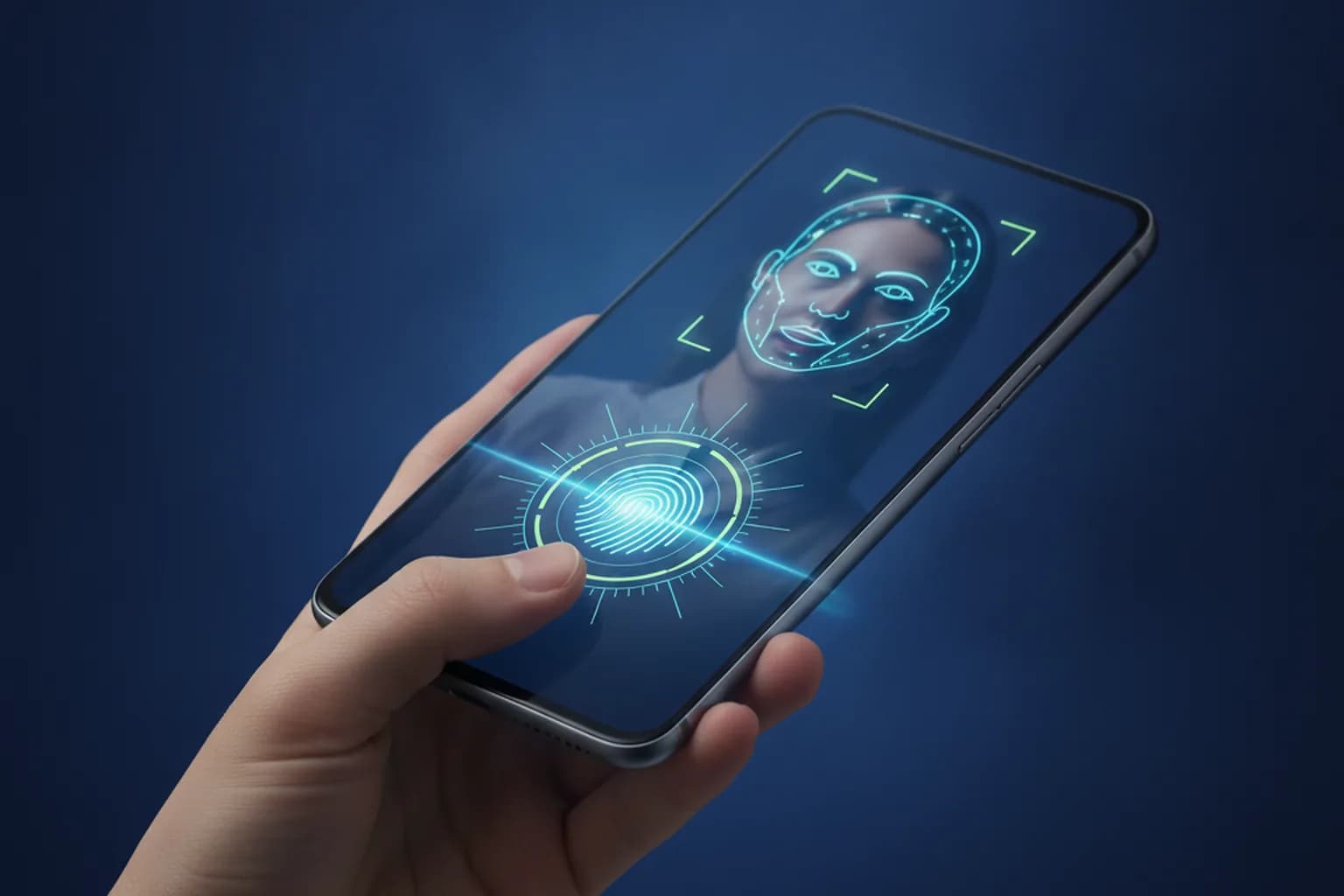
In short: for everyday users, biometrics are a reasonably safe lock for your device. Face ID recognises a random stranger with roughly 1-in-1,000,000 odds; Touch ID with less than 1 in 50,000. The biometric template is stored in a dedicated Secure Enclave chip and never leaves your phone. The main weakness of biometrics is not spoofing — it is coercion: forcing someone to hold up a finger or look at a camera is far easier than forcing them to recall a memorised passphrase. Your phone's biometrics and enrolling in a centralised biometric database are fundamentally different things. The best approach: biometrics for daily convenience, a strong passcode as the root of trust, and LiMP VPN on public networks to protect your traffic.
How Biometrics Work on a Smartphone: What Is Actually Stored
When you register your face or fingerprint, the phone does not save a photograph of your face or an image of your fingerprint. Instead, a dedicated chip builds a mathematical model — a biometric template: a set of numerical characteristics used to determine whether a new scan "matches" or "does not match." The original image is discarded after the template is created.
On iPhone, this template lives in the Secure Enclave — a separate processor inside the chip, isolated from iOS and all apps. The Secure Enclave runs its own firmware, and even iOS itself cannot read the stored data directly. The template is not included in iCloud backups and is not sent to Apple's servers. On Android devices, the equivalent is the TEE (Trusted Execution Environment) and StrongBox — hardware-isolated environments certified by Google for storing keys and biometric data.
This means: even if someone breached Apple's or Google's servers, your biometric template would not be there. It was never there.
Debunking the "Fingerprint Leaked to the Internet" Myth
Headlines occasionally appear claiming "Hackers stole biometric data of millions." These always refer to leaks from centralised biometric databases — held by banks, border control systems, or employers that stored face scans or fingerprint images on their own servers. That is an entirely different story. The template stored in the Secure Enclave of your iPhone has nothing to do with those leaks — it is physically on a different device.
Which Is Safer: Face ID, Fingerprint, or PIN?
The precise answer depends on which threat you are considering. Here is how four unlock methods compare across key dimensions.
| Unlock Method | Resistance to Random Match | Risk of Shoulder-Surfing | Protection Against Coercion | Convenience |
|---|---|---|---|---|
| Face ID / Face Recognition | ~1 in 1,000,000 (one enrolled face) | Low — no visible code | Weak — phone can be held to your face | Very high |
| Fingerprint (Touch ID) | <1 in 50,000 (one print) | Low — no visible code | Weak — finger can be pressed to sensor | High |
| Short PIN (4 digits) | 1 in 10,000 theoretically, vulnerable to observation | High — four digits visible in a second | Moderate — must know the code | Medium |
| Long passcode (6+ digits or alphanumeric) | Very high | Moderate — harder to memorise at a glance | High — "what's in your head" | Lower |
Biometrics are statistically far more resistant to random matches than any PIN. But "resistance to random match" addresses the threat of a stranger who found your phone. Against targeted attack or physical coercion, the picture changes.
Why a 4-Digit PIN Is the Weak Link
Four digits yield 10,000 combinations. But real-world PINs are not evenly distributed: "1234", "0000", "1111", and birthdays account for a disproportionate share. Shoulder-surfing is even more accessible: four digits are entered in under a second and easy to memorise from one glance.
Set a passcode of at least 6 digits, or an alphanumeric password. This is the root of trust — biometrics merely speed up entry, but the passcode is the only unlock method available after a reboot or several failed biometric attempts. Protecting it matters more than worrying about defeating Face ID.
Where Biometrics Fall Short: Coercion and Spoofing
Biometrics have two real attack vectors worth understanding. Neither involves "breaking the encryption" — the biometric template in the Secure Enclave is extremely hard to compromise. Attacks bypass the sensor, not the cryptography.
Coercion is the most practically relevant everyday risk. If an attacker is physically with you, they can hold your phone to your face or press your finger to the sensor. A passcode creates a pause in that situation: it cannot be extracted by physical force the same instant — it is in your head. This does not mean a passcode will protect you from a violent threat, but it increases reaction time and creates a psychological barrier.
There is also a legal dimension: in several jurisdictions, authorities can compel biometric unlocking more readily than demanding a memorised password, which is often protected by the right against self-incrimination (Fifth Amendment precedents exist in the US, though outcomes vary by case). This is most relevant for high-sensitivity professional scenarios; the specifics differ by country.
Presentation attacks (spoofing) are theoretically possible: Face ID could potentially be defeated by a high-quality 3D mask; Touch ID by a precise fingerprint cast. In practice, for an ordinary user, this risk is negligible. Such attacks require substantial resources and specialised equipment, and are targeted at specific, pre-identified individuals. Apple's TrueDepth camera reduces this risk further: it projects infrared dots and builds a three-dimensional depth map, distinguishing a flat image from a live face. A photograph will not unlock Face ID.
Five Attempts — Then You Need the Code
After five failed biometric attempts, both iOS and Android fall back to the passcode. The same happens after a reboot and after extended inactivity (48 hours on iPhone). This is a deliberate security mechanism that limits brute-forcing through the sensor. An attacker repeatedly pressing a stranger's finger simply locks out the biometric method and hits the passcode wall.
On iPhone, Emergency SOS provides an additional tool: press and hold the side button and a volume button, or press the side button five times quickly. This temporarily disables Face ID and Touch ID, requiring a passcode instead. On Android, Lockdown mode in the power menu does the same. If you anticipate a situation where you might be compelled to unlock your phone — activate this before you need it.
Privacy: Phone Biometrics vs Centralised Biometric Databases
Discussions about biometrics frequently conflate two fundamentally different scenarios.
Local phone biometrics — a template in the Secure Enclave or TEE — are under your control, stored physically on your device, and never transmitted over the network. When you unlock your iPhone with your fingerprint, no data about your face or finger leaves the chip.
Centralised biometric databases work differently. Banks, employers, border systems, and government identity platforms collect and store biometric samples on their own servers. When a bank invites you to "register biometrics for remote account opening," they mean enrolling in such a centralised system — not using your phone's local unlock. This is a different trust model: you are trusting the operator and the regulatory framework around them, not your own device.
In many countries, participation in national or bank biometric ID systems is voluntary, and data can be withdrawn. If you have enrolled, check whether your country's regulations give you the right to request deletion and whether the provider offers a clear mechanism to do so. In Russia, this is done through the Gosuslugi portal ("Biometrics" section) or directly via the enrolling bank.
The 2026 context: regulators in multiple jurisdictions are increasing penalties for biometric data mishandling. The practical takeaway is straightforward — be deliberate about where and why you provide biometric data. Your phone's biometrics are under your control. Centralised biometrics involve trusting a third-party operator.
When conducting remote operations that transmit identity data over a network, a VPN encrypts that channel on an untrusted connection — see our guide on how to protect your account from hacking for the broader picture of layered security.
Does a VPN Help When I Use Biometrics?
Biometrics and a VPN operate at different security layers — they complement rather than replace each other. Biometrics are a lock on the device: they control who can physically use your phone. A VPN protects the network layer: it encrypts traffic your phone sends over the network and shields it from observers along the route.
- A VPN covers: traffic interception on open public Wi-Fi (cafés, airports, hotels); DNS leaks; MITM attacks on unsecured networks; IP-based geolocation.
- A VPN does not cover: biometric coercion; physical access to an already-unlocked device; malware already installed on the phone; sensor spoofing.
A concrete scenario where both layers matter: you open a banking app using Face ID while on airport Wi-Fi. The biometric ensures it is you opening the app. LiMP VPN for iPhone ensures your transaction data is not intercepted by someone else on that network. Each layer closes a gap the other cannot. See also: secure online banking.
How to Set Up Biometrics Safely: a Checklist
- Set a strong passcode (6+ digits or alphanumeric) — this is the root of trust. Biometrics speed up daily access; the passcode must be strong enough to protect the phone when biometrics are unavailable.
- Do not add other people's fingerprints or unnecessary additional faces to your biometric profile. Each additional enrolled sample slightly reduces the false-match threshold.
- Know how to instantly require a passcode. On iPhone: press and hold the side button and a volume button, or press the side button five times (Emergency SOS). On Android: use Lockdown mode in the power menu. Critical before checkpoints or situations where you may be compelled to unlock.
- For especially sensitive apps (password managers, crypto wallets) check whether the app supports its own PIN or biometric lock independent of the device lock — use it as an additional layer.
- Keep your OS and firmware up to date — Secure Enclave and TEE receive security patches through system updates. See also: what to do if your phone is stolen.
- Review where you have enrolled biometrics at financial institutions or government services. If your jurisdiction allows withdrawal, consider doing so for systems you no longer actively use. Do not consent to biometric enrolment as an unexplained add-on to another service. See also: Passkeys: the future of passwordless login.
- Use LiMP VPN on public networks for any sensitive operations — banking, account logins, remote identity verification. Biometrics protect the device; VPN protects the data channel.
Frequently Asked Questions
Which is more secure — Face ID, fingerprint, or PIN?
Against a stranger who found your phone, Face ID is far more secure: ~1-in-1,000,000 false-match odds, compared to 1-in-10,000 for a 4-digit PIN (realistically worse, given predictable choices). Against coercion, a passcode protects better — it cannot be physically forced. The optimal combination: biometrics for daily convenience plus a strong passcode as the fallback root of trust.
Can Face ID be fooled by a photo or a mask?
Not by a regular photo. Apple's TrueDepth uses an infrared dot projector and builds a 3D depth map, distinguishing a flat image from a live face. A high-quality 3D mask could theoretically work but requires substantial resources and precise data about a specific individual. For the vast majority of users, this attack vector is not a practical concern.
Is my fingerprint or face stored online?
No. The biometric template is created locally and stored in the Secure Enclave (Apple) or TEE/StrongBox (Android) — a hardware-isolated chip on your device. Not sent to the cloud, not included in backups. News about biometric data leaks always concerns centralised databases held by third-party organisations — not your phone's Secure Enclave.
Which is safer for a banking app — biometrics or a passcode?
For opening the app, biometrics are convenient and statistically robust. Remember the distinction: your phone's biometrics are a local Secure Enclave template you control. Biometrics for remote verification through a centralised system are data held by a third party with a different trust model. Transactions are confirmed by the bank through a separate step either way.
Can I withdraw biometrics from a centralised biometric system?
In most cases, yes — participation is typically voluntary and data deletion rights exist in most jurisdictions. Check your provider's process; in Russia, this is done via Gosuslugi or the enrolling bank. In the EU, GDPR provides the right to erasure.
Does a VPN protect my biometrics?
A VPN protects network traffic, not the biometric template in your Secure Enclave — the template never goes over the network. A VPN helps when conducting biometric authentication sessions with remote services over open Wi-Fi, by encrypting that network channel. Your phone's biometric template is protected by the Secure Enclave, a strong passcode, and up-to-date firmware.
Why does my phone sometimes ask for a passcode instead of biometrics?
This is intentional security behaviour. iOS and Android fall back to the passcode after five failed biometric attempts, after a reboot, and after extended inactivity (48 hours on iPhone). This limits brute-forcing through the sensor. Simply enter your passcode — biometrics re-enable after a successful passcode unlock.